HD Integrated Visium Interactive Suite (HiVis)
Project home page is available in github.
Video tutorial is available here.
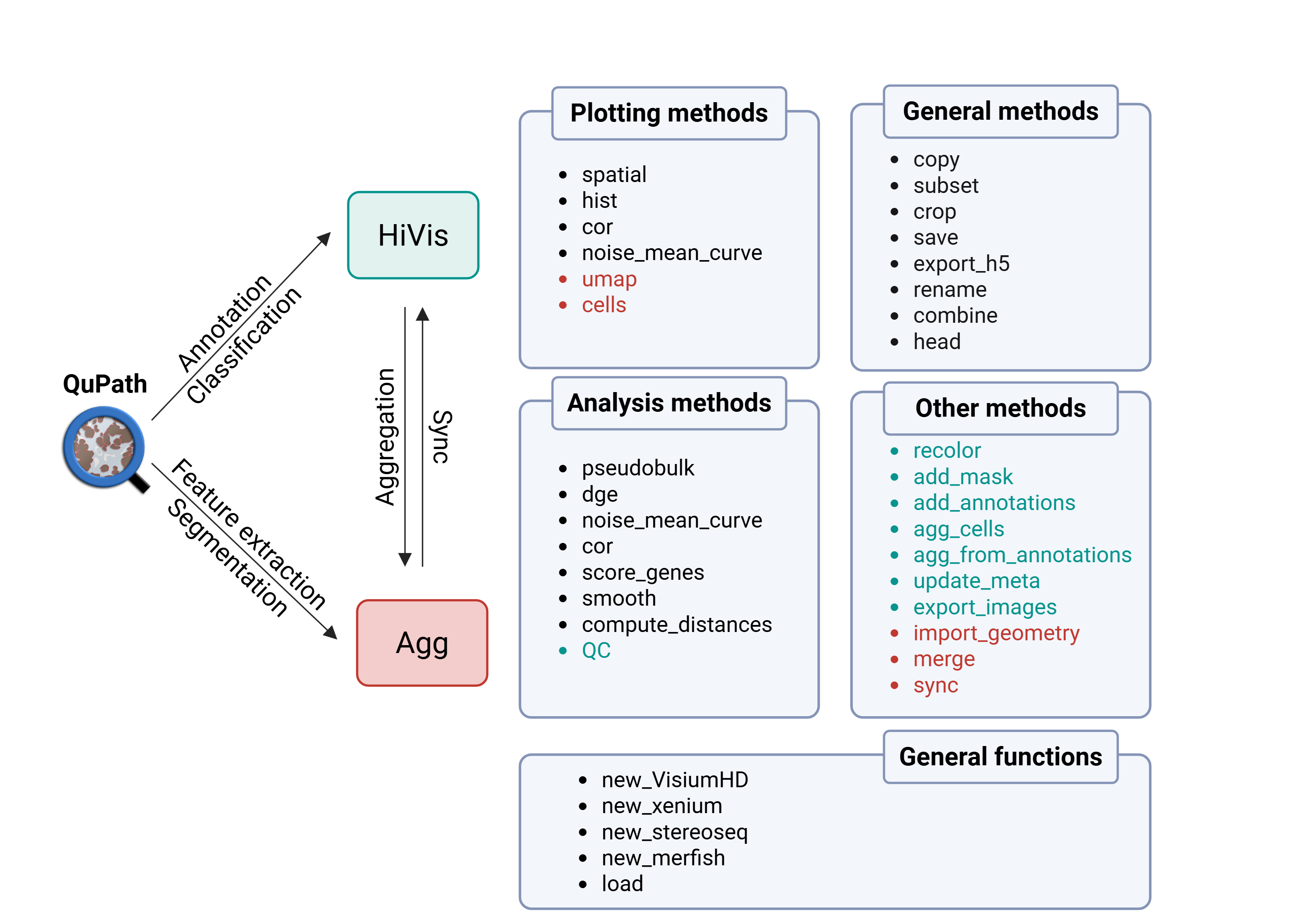
Installation
To avoid dependency conflicts, we recommend the use of a dedicated conda environment. In a terminal run the command:
conda create -n HiVis python=3.12
conda activate HiVis
We recommend two options to then install HiVis in your virtual environment.
Use the package manager pip to install HiVis. In a terminal run the command:
pip install HiVis
Or clone the project’s Github repository and install it manually with the following commands:
git clone git@github.com:roynov01/HiVis.git
cd HiVis
pip install .
To use Qupath features, such as manual annotations and pixel classifiers, download and install QuPath (>= 0.5.1).
To perform cell segmentation in QuPath, download and install Stardist and/or Cellpose extensions for QuPath.
Tutorials
Please refer to the demo notebooks.
For QuPath, please refer to the tutorial.
Contact
Bug report/feature request via the GitHub issue tracker.
Citation
Novoselsky R*, Golani O*, Barkai T, Kedmi M, Goliand I, Fine M, Kent I, Nachmany I, Itzkovitz S. Subcellular mRNA localization patterns across tissues resolved with spatial transcriptomics. Nature Communications, 2026.